
When it appears
- It is created after a user completes their first successful Link consent flow.
- Your user receives an email notifying them they can track their data access and revoke consent for a specific company.
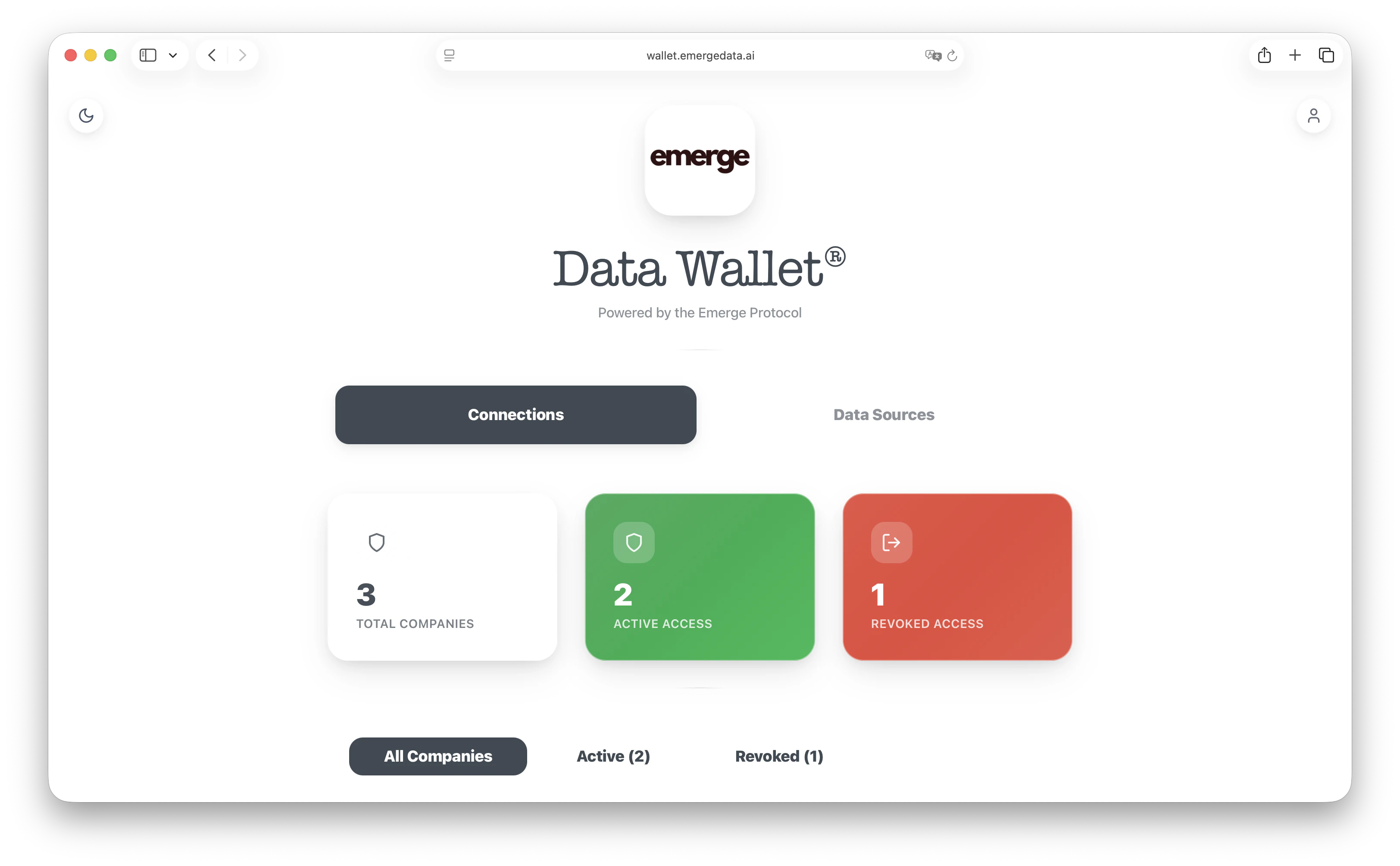
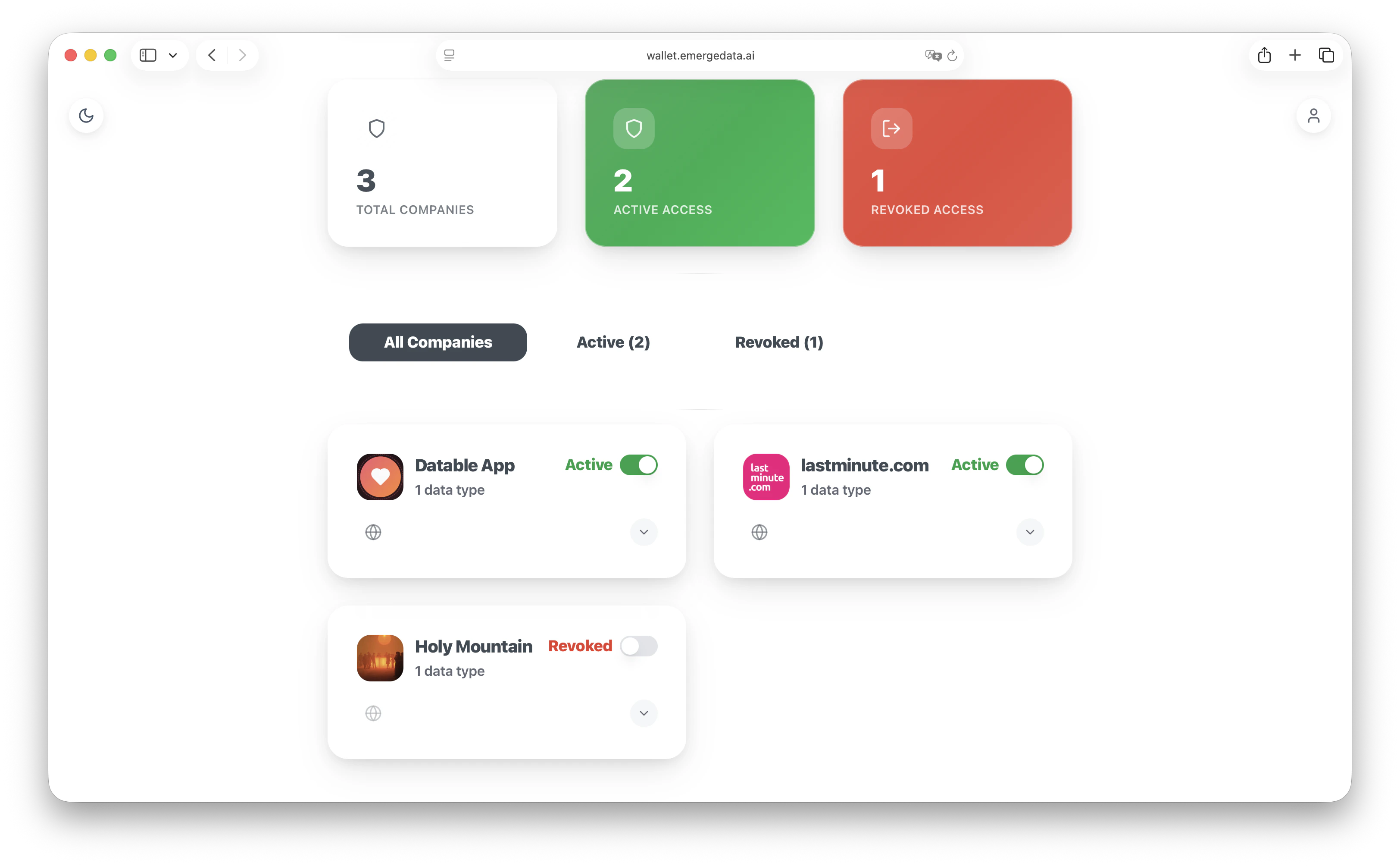
What users can do
- Review all connected companies and data types
- See which connections are active vs revoked
- Revoke consent with a single toggle
Screenshots
Handle revocations in your app
When a user revokes consent in Data Wallet, you receive aconsent.revoked webhook. Use it to stop processing and delete any stored data for that user.
Related documentation
Callbacks
Understand redirect behavior after consent
Webhooks
Receive consent changes like revocations
Edge cases
- If a user opens a completed Link flow again, they are redirected to the Data Wallet instead of your
redirect_uri. - If you keep cached data, delete it when you receive
consent.revokedto stay privacy-first.